Elysium guides

- A pending action, a definite failure and a refusal before submission need different next steps.
- Confirm Elysium mainnet 99901 and the complete contract before diagnosing a token route.
- Higher slippage or a larger gas budget cannot create liquidity or remove token restrictions.
- For partial multi-wallet results, investigate each wallet before repeating any action.
- Keep the receipt and reference for support; never send private keys or wallet export files.
First, identify what actually happened
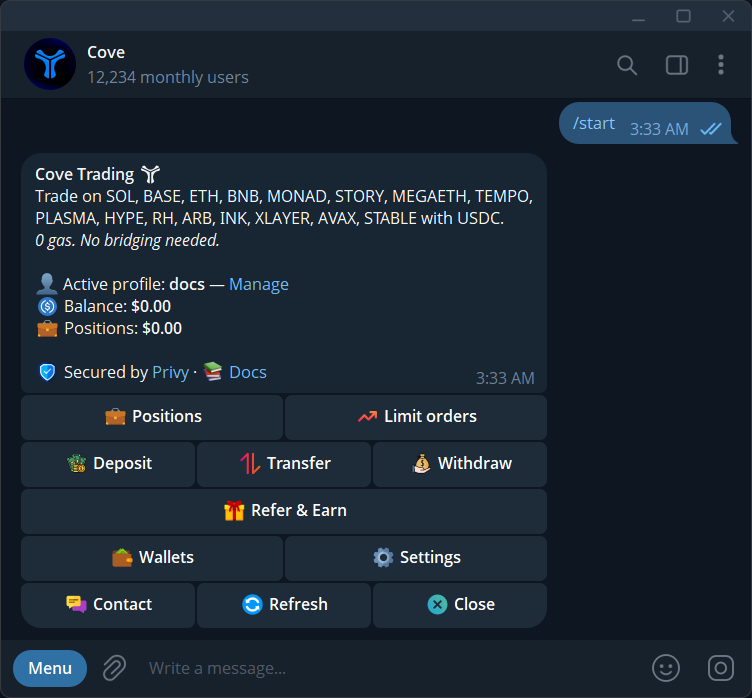
Start with the latest cove message for the Elysium trade. A quote refusal means the requested route was not accepted; an executing or pending action may still finish; a completed receipt records a result. Do not treat all three as a failed swap. If you see Previous order still processing, follow that operation before submitting another.
Check the active profile and selected wallets. A multi-wallet request can have different outcomes for different wallets. If one filled and another failed, repeating the entire request can trade the successful wallet again. Closing Telegram does not cancel an operation already being processed.
Confirm the network and complete token address
The Elysium supported by cove is Kinetiq's mainnet, chain ID 99901. HyperEVM is 999, and the unrelated LAVA network also uses the name Elysium. A same-looking EVM address or shared ticker is not enough to identify a balance, token or route.
Reopen the token panel in the intended profile and select Elysium if prompted. Compare the full contract with the project's verified source. Before pasting for inspection, check /autobuy: an enabled Auto-buy on paste setting can submit a new purchase. If you are only investigating, switch it off first.
Not enough USDC or a balance that has not updated
cove's spendable trading balance is USDC on Solana. An Elysium token in Positions, or HYPE received on another network, is not automatically the same as spendable USDC. Check the actual balance of the selected wallets and the amount required for the proposed trade and applicable costs.
For deposits, Parked means approval is needed in /bridge; Consolidating means a bridge is still running. A below-minimum deposit can require a top-up. Check the receiving address, network, asset and profile before sending more. For several selected wallets, verify Split Total versus Per Wallet so an entered amount does not request more combined spending than you intended.
No route, low liquidity or a migrating launchpad token
No swap route found can mean that a provider cannot quote the requested token and size at that moment. Network support does not imply that every Elysium venue, new pool or launchpad stage is available. Check the current token panel and public project updates before requesting a fresh quote.
Insufficient liquidity and a token contract that blocks transfers are different problems. A smaller size may fit existing liquidity, but it cannot make a restricted token transferable. A launchpad migration can also interrupt a route while trading moves to another pool. Do not infer a guaranteed reopening time, and do not treat an unavailable quote alone as proof that the token is a scam.
Quote changed, high impact or slippage refusal
Read the expected output for the exact size. Price impact is the effect of your order on available liquidity; slippage is the price movement you allow during execution. Raising slippage can permit a materially worse fill. It does not reduce your order's price impact or guarantee that the next attempt succeeds.
A stale quote needs a fresh review. If cove offers Retry @ X%, that button starts a new attempt at the displayed tolerance and saves it as your default. Verify the previous result, amount and new tolerance before using it. Buy $X after insufficient funds or a max-buy refusal is also a new trade instruction, not an informational link.
Gas prompts and automated exits need separate checks
An extra gas prompt concerns eligible network cost beyond sponsorship. Review the Gas surplus budget in the active profile and the requested cost. Increasing that budget does not repair an unavailable route. If a stop failed because of gas, changing the budget does not recreate the order; inspect /orders and verify any replacement yourself.
Didn't Fire — still active differs from Failed, Expired or No longer armed. A still-active automated order can remain waiting after an impact refusal. A target or an armed order is not proof that an exit filled. Read the status and remaining position before placing another order.
Send support the evidence needed to investigate
Use /support with the receipt or failure reference, time, Elysium network, token contract, profile and wallet label. Explain the action you requested and what the latest message shows. If you already retried, include that fact so separate attempts are not confused.
Never send a private key, seed phrase, access token or wallet export file. Keep an unresolved operation intact while its state is investigated. The next step should follow the evidence in that operation, not a generic instruction to keep clicking or increase every setting.
Sources & further reading
- cove Docs: troubleshooting
- cove Docs: trading guardrails
- cove Docs: auto-buy on paste
- cove Docs: deposit funds
- cove Docs: manage orders
- cove Docs: support
Product settings and availability can change. Check the current documentation before using a feature. Educational content does not predict trading outcomes.
How we approach our content