Elysium guides

- Open the actual Elysium holding from Positions and confirm its profile, wallet and contract.
- A percentage sell applies to each selected wallet's holding; check the scope before submitting.
- Sell confirm is off by default, so a sell preset or custom amount can submit immediately.
- Use the executed receipt and balance to verify proceeds; displayed position value is only an estimate.
1. Find the Elysium holding you intend to sell
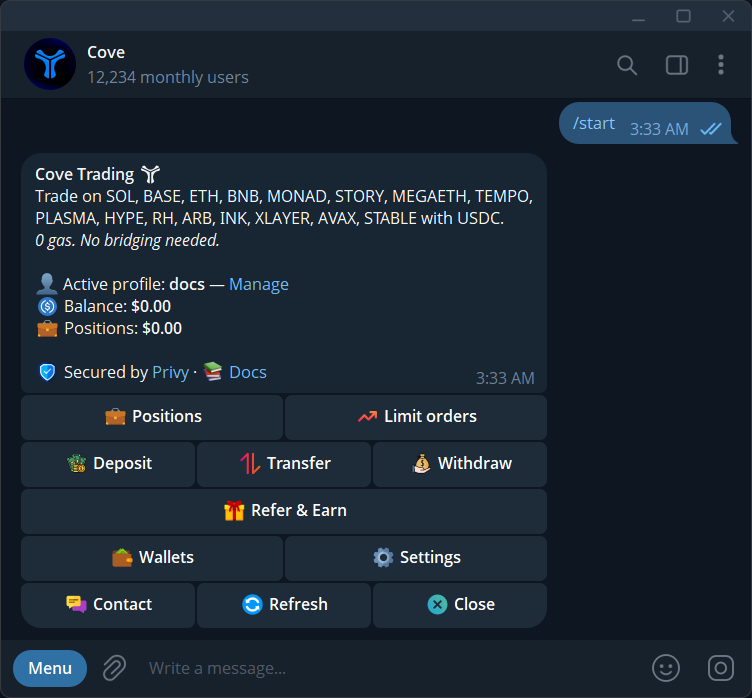
Send /positions in cove, check the active profile and open the Elysium token you hold. Confirm the network and full contract before using the sell controls. Elysium mainnet is chain ID 99901; an identically named token on HyperEVM or another network is a separate asset.
If the holding is missing, check the selected wallets and chain filters, then View hidden and other profiles. A wallet can hold tokens even when it is not selected for trading. If you received the token from outside cove, its arrival creates a holding, not automatically a USDC trading balance. A supported sell route is still needed to convert it.
2. Review the quote and confirmation settings
Choose Selling on the token panel. Check current liquidity, your slippage setting and any available warning information. Market cap and the displayed worth of a position do not tell you how much USDC an immediate sale will deliver. The route must find liquidity for the actual token quantity you want to sell.
Sell confirm is off by default. Enable it in Settings → Trade panel settings if you want a separate confirmation after selecting an amount. Some high-impact or unknown-impact trades can still require review independently of this setting. Read a fresh quote and any Quote changed message before approving.
3. Choose a percentage or dollar amount
The current default sell presets are 25%, 50%, 75% and 100%; saved buttons may differ. Use x% for a custom percentage or $x for a custom dollar value. A 100% sell requests the full holding in the selected scope, but the route still has to execute. Selecting a preset can submit immediately when Sell confirm is off.
A percentage applies separately to each selected wallet's holding. For an illustrative example, if one wallet has 200 tokens and another has 800, a 25% sale requests 50 and 200 tokens respectively. That example describes sizing, not expected USDC proceeds. For a dollar sell across several wallets, cove allocates the requested total in proportion to their holdings; review the preview and any wallet without a sellable balance.
Understand Initials and small-position limits
Initials estimates a sale percentage intended to recover the recorded cost basis while leaving the remainder. It is a sizing control, not a promise to recover your original investment. Market movement, the available route and costs can change the final proceeds. Check the requested quantity and expected return before using it.
The published minimum sell on most networks is $0.50, but token routes can require more. A small visible balance can be below the executable minimum after costs or have insufficient liquidity. Raising slippage does not remove token transfer restrictions or create a route. Check the exact refusal before changing the amount.
4. Verify the executed sale and USDC received
After submitting, follow the existing operation until cove reports its result. Read Sell Executed, the token quantity Sold and USDC Received. If several wallets were involved, inspect each outcome: one wallet can fill while another fails. Do not repeat the entire request simply because one part is unsuccessful.
Refresh the trading balance and the remaining position. A quoted price, an estimated position value and a final fill are different measurements. If the receipt reports an unresolved movement or the balance does not match what the receipt says, keep its reference and contact support. Closing Telegram does not cancel a transaction already being processed.
What to do when an Elysium sell cannot execute
No route, insufficient liquidity, a changed quote and a token that blocks transfers need different responses. A network integration cannot make every token sellable. Inspect the message and contract before trying a fresh quote; do not assume every failure is caused by slippage.
If you also placed automated exits, review /orders after the market sale. A trigger target is not a guaranteed execution price, and an open order should not be treated as an already completed exit. For a pending trade, investigate the existing result before submitting a replacement; for a definite failure, use its current reason to decide the next step.
Sources & further reading
- cove: Elysium support announcement
- cove Docs: buy and sell tokens
- cove Docs: trading guardrails
- cove Docs: fees and gas sponsorship
- cove Docs: troubleshooting
- cove Docs: manage orders
Product settings and availability can change. Check the current documentation before using a feature. Educational content does not predict trading outcomes.
How we approach our content