Elysium guides

- Elysium token identity means a contract address plus chain ID 99901.
- Canonical bridged assets and community tokens have different origins and risks.
- A listing, familiar symbol or busy chart does not establish an executable trade.
Which tokens are on Elysium?
Elysium by Kinetiq has several kinds of assets: native HYPE for network fees, bridged representations of HyperEVM tokens, and tokens issued by projects on Elysium itself. These categories answer different questions. A gas asset pays for a transaction; a bridged asset represents an original on another chain; a community token has its own contract and project history.
This directory records source checks made on November 9, 2026. It is an address reference and starting point for research, not a live ranking by volume or a list of recommended purchases. The network is Elysium mainnet, chain ID 99901. Search results for the older Vulcan Forged Elysium network refer to a different chain.
Canonical token addresses from Elysium's bridge documentation
The official bridge documentation lists these deployed representations on Elysium. The addresses below belong to Elysium, not to the corresponding tokens on HyperEVM. A bridge preserves the relationship between the original and its representation; it does not make their contract addresses identical.
- USDC: 0xb47c4C8F73F009CC0C0d3f92B388d13E293F0B65.
- KNTQ: 0xe45a355d9e9cAd2aD85F2d03E3eE3102A036acF0.
- WHYPE: 0xbA876237B0F021A6c6D852d6c26E107997cC5E81.
Community projects: ORPHEUS and BOXA
The public Orpheus project profile identifies ORPHEUS at 0x7701a31c0b3815FE6D09A8A313967c5977a5fA7A. Its website presents a dragon character and community narrative around Elysium. Treat that story as project positioning, separately from token permissions, liquidity or any claimed future listing.
The Elysium explorer also identifies BOXA at 0xa3C1d6a8648dF3978A38ce1478fbC284c75D95D7. The BOXA website presents a token launch and trading platform and explicitly states that it is not affiliated with Kinetiq or Elysium. An explorer label establishes the displayed name at an address; it is not proof of ownership, a security audit or endorsement by the chain team.
How to research trending Elysium tokens
In cove, use /trending or /runners and choose the Elysium filter when offered. Check the selected time window and refresh time before comparing entries. These discovery lists are starting points for research, not safety checks. Verify the full contract through the project source before opening an unfamiliar token, with Auto-buy on paste disabled for inspection.
Start with the project source and full address, then inspect the matching explorer record and market. Write down when the observation was made and which pool it describes. A recent volume figure, pool reserve, holder count and price are separate measurements. Activity alone does not tell you whether the same trade can be repeated at a comparable price.
Compare the proposed order with a current quote. A token may have several pools, and a chart can continue to display its last trade after executable liquidity has changed. Do not turn a launch-day screenshot into a permanent claim that a token is trending, liquid or easy to exit.
Open an Elysium token in cove
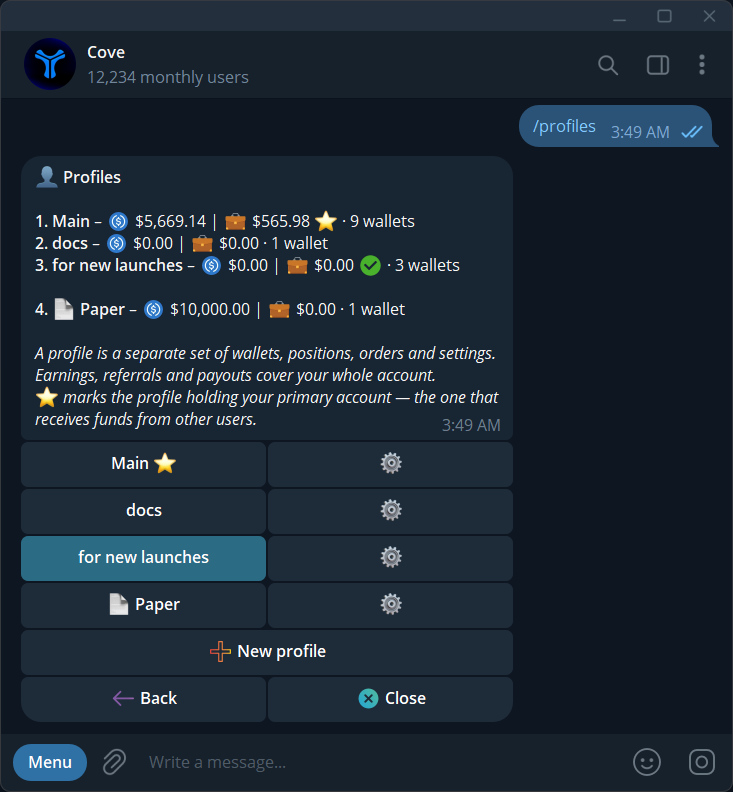
cove announced Elysium support on November 9. Before inspecting a contract, check Auto-buy on paste and enable Buy confirm and Sell confirm if you want a separate review step. Paste the complete address, choose Elysium if prompted, and compare the panel's network and contract with your source.
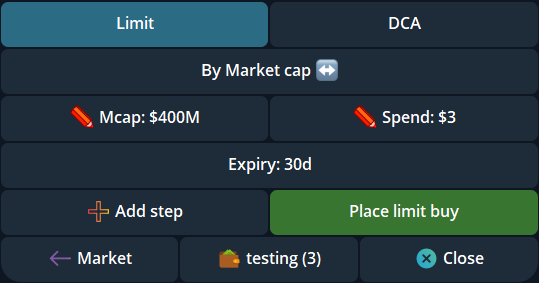
Choose the intended profile and wallet, check spendable USDC and review the available quote. A supported network is not a promise of a route for every token or size. Follow the resulting receipt before treating an order as complete, and use the directory again when changing tokens rather than relying on a familiar ticker.
Sources & further reading
- Elysium canonical bridge and token addresses
- cove Elysium launch announcement
- Orpheus project profile
- BOXA explorer record
- BOXA documentation
- cove token panel
- cove token discovery and filters
Product settings and availability can change. Check the current documentation before using a feature. Educational content does not predict trading outcomes.
How we approach our content