Elysium guides

- Canonical Elysium KNTQ is 0xe45a355d9e9cAd2aD85F2d03E3eE3102A036acF0.
- KNTQ and HYPE serve different purposes; HYPE is Elysium's gas asset.
- A canonical bridge representation does not guarantee a liquid market or a cove quote.
Which KNTQ contract belongs to Elysium?
KNTQ is the Kinetiq ecosystem token. Elysium's official bridge documentation lists a deployed KNTQ representation on mainnet at 0xe45a355d9e9cAd2aD85F2d03E3eE3102A036acF0. Pair that address with chain ID 99901 when checking a wallet, explorer, chart or trading panel. This source check was made on November 9, 2026.
The corresponding original on HyperEVM is 0x000000000000780555bD0BCA3791f89f9542c2d6, on chain ID 999. These are two different contracts linked by the canonical bridge. Searching only for KNTQ leaves out the network and can return another contract with the same symbol. A token logo or name does not resolve that ambiguity.
What the canonical representation means
For the documented HyperEVM-to-Elysium token route, the bridge locks the original token on HyperEVM and issues a representation on Elysium. Returning through the canonical route burns the representation and makes the original claimable after the withdrawal process. The official guide describes an approximately 5.5-day mainnet challenge period for that withdrawal leg.
The bridge relationship is an asset-accounting relationship, not a market-price promise. A DEX pool can have shallow reserves or a price different from another venue. Transferring a token between networks also differs from selling it: a bridge moves the asset, while a swap exchanges it for another asset at the available execution terms.
Do you need KNTQ to use Elysium?
Elysium uses HYPE as its native gas asset. KNTQ is not the token required to pay ordinary Elysium network fees. An external wallet holding KNTQ may still need native HYPE to submit a transfer, approval or swap. Holding WHYPE is also different from holding native HYPE.
For supported cove trades, the starting point is the selected wallet's spendable USDC balance on Solana. cove handles routing and eligible gas sponsorship, subject to the documented limits and current route. Do not buy KNTQ merely because a page or direct message claims it is mandatory for connecting to Elysium.
Check KNTQ in cove before placing an order
Disable Auto-buy on paste while researching and enable the trade-panel confirmations if you want a review step. Paste the canonical Elysium address and select Elysium if a network picker appears. Confirm the full address before entering a size, especially if another KNTQ panel is already open.
Review the current quote, liquidity, expected output, fee and selected wallet. This guide establishes the canonical address; it does not establish that a KNTQ route will be available for every order size. If cove cannot offer a route, a different same-symbol token is not a substitute. Do not change the contract just to obtain a quote.
Track the result on the correct network
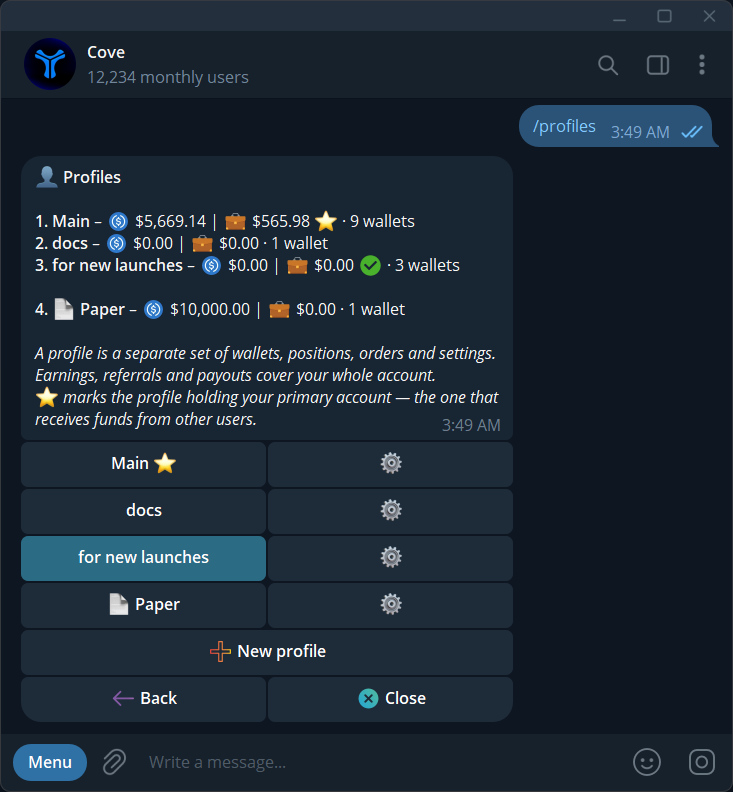
After a submitted order, use the execution result to determine whether it completed. A token balance in an external HyperEVM wallet does not prove that an Elysium position exists in your selected cove wallet. Check the profile, wallet and network before troubleshooting a missing holding.
When researching an exit, obtain a fresh sell quote instead of multiplying a displayed last price by your entire balance. A larger sale can move through a different part of a pool's liquidity. Keep the original receipt and exact contract if support needs to investigate an operation; never include recovery phrases or private keys.
Sources & further reading
- Canonical KNTQ addresses and bridge behavior
- Elysium architecture and HYPE gas
- cove trading workflow
- cove fees and gas sponsorship
Product settings and availability can change. Check the current documentation before using a feature. Educational content does not predict trading outcomes.
How we approach our content