- The bulk-import flow can read Husher-delivered private keys pasted into the official Cove bot or supplied in a text file.
- Cove previews eligible wallets before import and limits the selection to free slots in the active real profile.
- Importing a key grants wallet control; handle delivery files as sensitive material and verify every imported address.
A direct path from Husher delivery to Cove
If Husher has delivered wallet private keys to you, open /wallets → Import → Bulk import in the official Cove bot. You can paste the delivered keys or provide a text file in the active import flow. Cove parses eligible wallets and presents a preview; it does not import every candidate merely because you sent the source material.
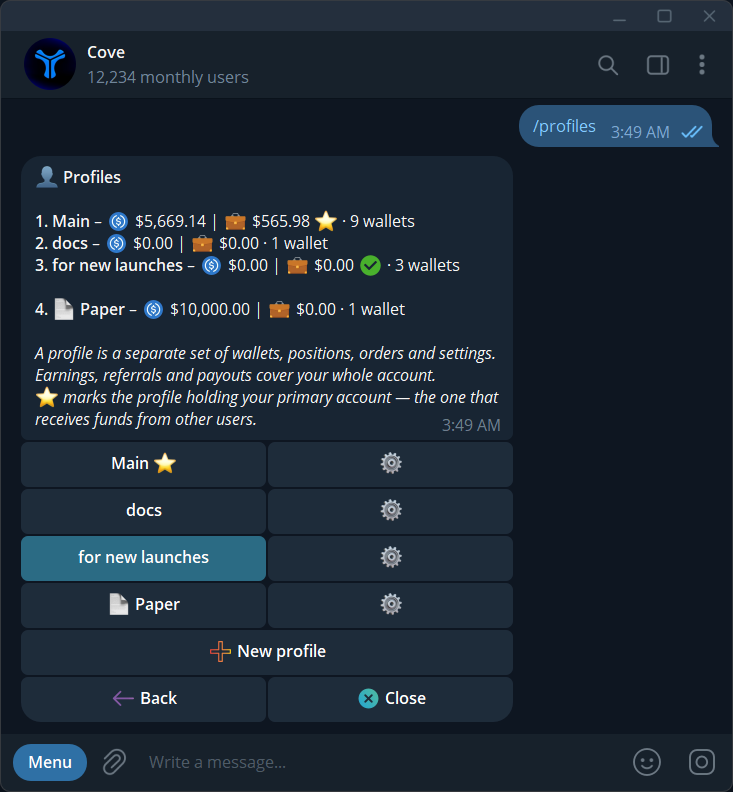
Check that you are using the intended real profile and review the displayed addresses and available wallet slots. If more eligible wallets are found than there are free slots, the preview is limited to the first eligible entries that fit. Confirm only the wallets you intend to control in that profile.
Treat delivered keys as sensitive
A private key controls the corresponding wallet. Enter it only in Cove's official import prompt, never in support messages, groups or screenshots. Keep your own secure backup, review every imported address, and remove temporary plaintext delivery files when they are no longer needed.
The general CSV batch import remains a separate option. Do not assume every document type is accepted in every bot environment; follow the file types shown by the current import panel.
Explore the features
Product settings and availability can change. Check the current documentation before using a feature. Educational content does not predict trading outcomes.
How we approach our content