THE SHORT VERSION
- Per-wallet Auto or Manual bridge mode.
- One view of parked, moving and stuck funds.
- Selected-wallet agent access with separate money-out permissions.
Auto and Manual bridge modes
Bridge mode became a per-wallet decision. At the time of this August update, new and imported wallets started in Manual until consent was given, while existing wallets retained their previous Auto behavior. In a later September change, new wallets began starting with Auto-bridge enabled; check the current setting in /wallets before depositing.
- Manual deposits wait for authorization instead of being swept automatically.
- Authorized sale proceeds can still return home without sweeping unrelated parked deposits.
- Wallet and deposit screens show the mode, with one-time approval for eligible parked stablecoins.
Bridge overview and agent wallet selection
The bridge view brings together parked, moving and stuck funds across wallets, with actionable balances first. Position links and notices identify the affected wallet.
- Agent credentials cover an explicitly selected wallet set, with spending windows applied across it.
- Wallet-labelled agent notices and separate money-out permissions make scope clearer.
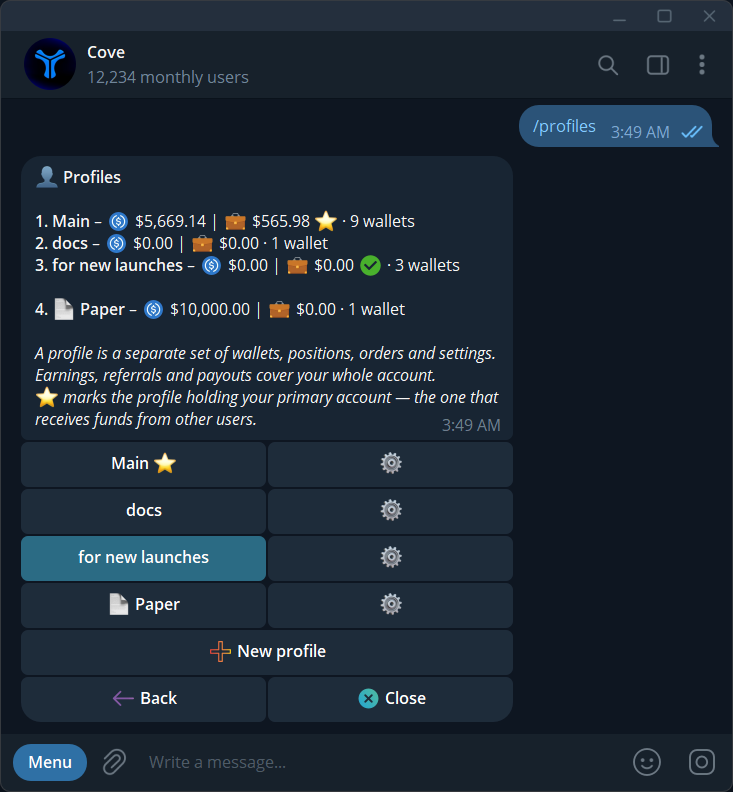
- The /support shortcut opens the contact panel; paper holdings remain isolated during balance reconciliation.
Explore the features
Product settings and availability can change. Check the current documentation before using a feature. Educational content does not predict trading outcomes.
How we approach our content