- Cove Agent MCP is off by default and needs account-level access before you create a token in /agent.
- Use a read-only Profile token for the first connection; a Global read-write token reaches every real wallet.
- A submitted market-order response is not a fill: reconcile the result before another action.
What Cove Agent MCP actually connects
Cove exposes account and trading tools through the Model Context Protocol. An authorized agent can read balances, positions and order status, research a token, and, with a separate read-write credential and the right wallet permission, submit trades or manage orders. It does not gain authority merely because the client connects.
The available tool set depends on your account, token mode and current feature configuration. Start by asking the connected agent to call get_capabilities and list_accounts; those responses show what this credential can reach now. Do not assume a tool in a generic list is enabled for your wallet.
Enable access, then choose the smallest useful scope
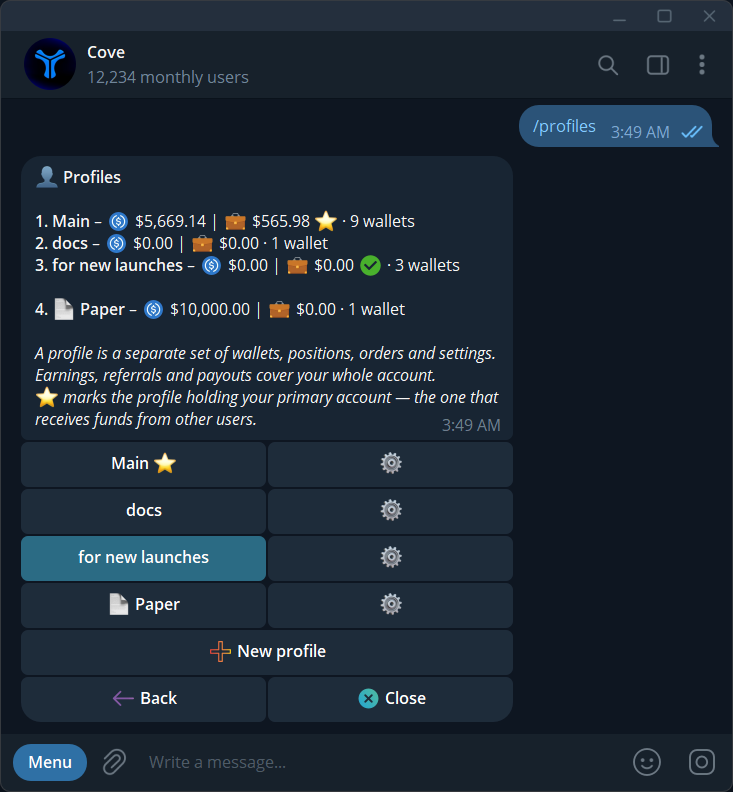
Agent MCP access is off by default. Ask Cove to enable it for your account, then type /agent in the official Telegram bot. For a Profile token, choose the intended active profile and select the wallets the agent may use. A Profile token stays pinned to that profile even if you switch profiles in Telegram later. A Global token covers current and future real wallets across your profiles; it is a much wider grant and does not include Paper wallets.
Cove shows a read-only and a read-write token pair. Start with the read-only token if the agent only needs to watch balances, check positions, research tokens or report on orders. Money-out is an additional per-wallet permission for Profile access. Global read-write access can include money-out across real wallets, so choose it only when that reach is intended.
Connect an MCP client without exposing credentials
Use the MCP URL shown in /agent and the token issued there. An MCP-compatible client uses the Cove server over Streamable HTTP with a Bearer credential. Do not paste the token into a public chat, screenshot, website form or shared configuration file. The official documentation has a current client configuration example and endpoint details.
Where available, Connect AI apps can use Telegram-approved OAuth instead of pasting a Global token into the client. Profile tokens use Bearer credentials. The app still receives the permissions of the connection you approved; review scope and spending limits before authorizing it.
A useful first workflow without a trade
With the read-only token, have the agent call get_capabilities, list_accounts and get_balance for the selected wallet. Ask it to report spendable versus parked or moving funds rather than treating every balance as ready to buy. Then let it look up a token with search_tokens or get_token_info, verify the full address and chain, and read get_token_security_report when available. An unavailable safety check is unknown, not a clean verdict.
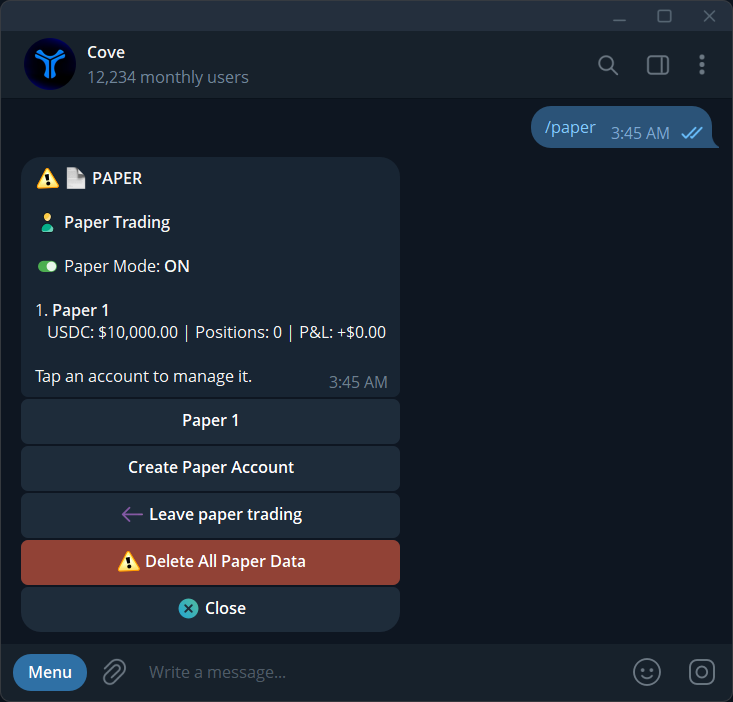
This workflow can answer whether the agent has the right account and whether a wallet is funded before any execution permission is granted. For a simulated trading session, create a Profile token from a Paper profile; Global tokens operate on real wallets only. Paper results do not prove what a live route would have filled.
If you later allow trades, cap the exposure
A read-write token can submit buys, sells and supported order types on wallets inside its scope. In /agent, set Per-Trade, Per-Batch, Hourly and Daily spending limits before an unattended workflow. A multi-wallet call spends across wallets; the combined amount may be larger than the per-wallet input. Inspect the selected accounts, profile settings and current quote before authorizing an action.
High price-impact trades can pause for a separate confirmation. The agent should report the exact output and risk rather than turning off guardrails to make an order pass. A failed quote, unavailable route or token restriction is not solved by granting broader credentials.
Treat submission and execution as different events
A buy_token or sell_token response is a submission receipt, not proof of a fill. Use reconcile_market_order with the order ID or original idempotency key, and wait for the authoritative per-wallet result. For limit and protective orders, use get_order_status and inspect existing orders before creating a replacement. An ambiguous response, including not_found during reconciliation, is not permission to submit again with a new key.
Keep the same idempotency key when retrying the same call under the documented rules; changing the key can create a second action. If a result remains uncertain, stop automation and bring the original reference to the user. Token rotation or revocation is available in /agent if a credential is exposed or no longer needed.
Sources & further reading
- Cove Docs: Agent MCP setup, permissions and tools
- Cove Docs: profiles and wallets
- Cove Docs: Paper trading
Product settings and availability can change. Check the current documentation before using a feature. Educational content does not predict trading outcomes.
How we approach our content