- Dev sells measures the creator wallet's net balance decrease from when the order was placed; Sell sets the share of your remaining position to attempt to sell.
- The trigger needs an attributed creator-wallet sale as well as the required balance decrease. A transfer alone does not trigger it.
- A detected sale starts an attempted exit after the creator's action; liquidity, price impact and routing can prevent a fill.
What the order watches
A Dev Sell order watches the wallet Cove identifies as the token creator. It needs a sell event attributed to that wallet after you place the order and a net decrease in its tracked token balance. A token transfer by itself is not a sale. Purchases by the creator can reduce the net decrease measured against the saved balance.
The creator-wallet address and its starting balance are fixed when the order is created. If Cove cannot identify a usable creator balance, the manual order is not placed. This is a defined signal, not a way to detect every possible creator action or liquidity removal.
Keep the two percentages separate
In Selling → Dev Sell, Dev sells is the creator's net balance decrease relative to its balance when you placed the order. Any means a qualifying sale of any size; the presets also include 25%, 50%, 75% and 100%. The percentage is not a share of the token's total supply.
Sell is the share of your own remaining holding that Cove will attempt to sell when the trigger is met. For example, Dev sells 25% and Sell 50% means the creator threshold is 25% of its saved balance, while your order targets half of your position remaining at execution time. The creator can reach the threshold across multiple attributed sales.
Place and inspect a manual order
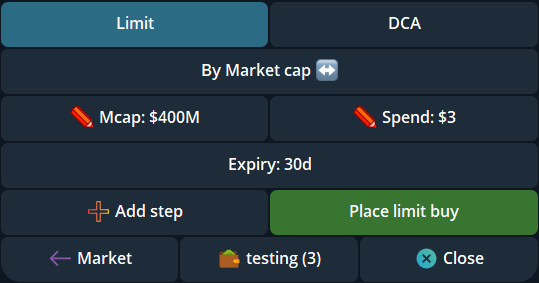
Open a token you hold in the intended profile and select the wallets. In the Telegram token panel choose Limit → Selling → Dev Sell. Review Dev sells, Sell, expiry and selected wallets, then place the order. The initial manual values are Any and 100%; change them if they do not match your plan. Cove creates a separate order for each selected wallet.
Open /orders to verify the pending DS order. Its details let you change Trigger, Sell and Expiry or cancel it. Check existing orders before retrying if the creation result is uncertain. A setting or button tap is not proof that a pending order exists.
Auto Dev Sell and execution limits
Settings → Auto orders → Auto Dev Sell can attempt to attach an order after future eligible filled buys. Market and Limit buys have separate settings, and the option starts Off. Turning it on does not add an order to positions you already hold. After a buy, inspect /orders to see whether a DS order was actually created.
A creator sale happens before Cove can react. An order may fail to execute or wait for a decision if the route, remaining position, liquidity or price impact makes the sale unsuitable. It cannot guarantee an exit before a price drop, a particular price, or protection from every rug pull. Read the order status and actual receipt before taking another action.
Sources & further reading
Product settings and availability can change. Check the current documentation before using a feature. Educational content does not predict trading outcomes.
How we approach our content