- Dev Sell watches an attributed token-creator sale and the creator wallet's net balance decrease.
- Auto Dev Sell is a separate opt-in setting for future filled buys and starts Off.
- Auto-buy can skip holdings already present in a profile, and bulk sell can include hidden positions.
- The default gas-surplus budget is now $10 per trade above the separate $5 sponsorship cap; only an eligible overage is charged.
A creator-sale trigger for held tokens
In the Telegram token panel, Selling → Dev Sell lets you choose how much of the creator wallet's starting balance must be sold and what share of your remaining position to attempt to sell. The trigger can accumulate across qualifying creator sales; transfers alone do not count. The order acts after the creator sale is detected and remains subject to liquidity, price-impact and execution checks.
Auto orders and position selection
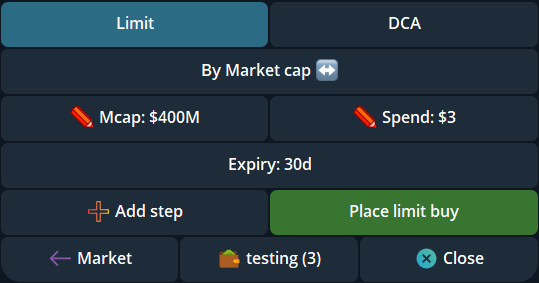
Auto Dev Sell is available under Settings → Auto orders, with separate Market-buy and Limit-buy settings. It is Off by default and applies to future eligible filled buys, not existing holdings. Auto-buy also gained a profile-scoped Skip holdings option, Off by default, to avoid an automatic buy when that profile already holds the token.
Bulk sell can include hidden positions after you choose to show them. Review the selected wallets, tokens and amounts before submitting; a hidden position is still a real holding.
Review the saved gas-surplus budget
Cove still sponsors eligible trading gas up to the documented $5 cap. The Gas surplus budget under Settings → Guardrails now defaults to a $10 per-trade authorization ceiling for eligible costs above that cap. This is permission for an overage, not a $10 flat fee: only the applicable rounded-up difference is charged, subject to available USDC.
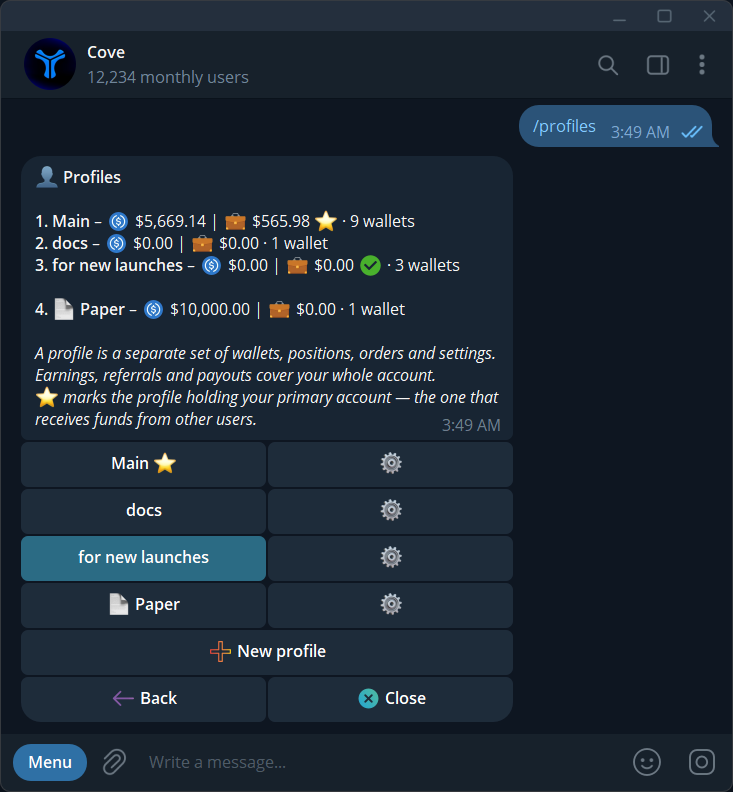
The migration also changed previously saved $0 budgets to $10, including values users set themselves. If you want a separate prompt when a trade needs additional gas, reopen the setting and save $0. Check each profile before relying on an old choice; a saved authorization does not guarantee execution or fix an unavailable route.
Explore the features
- Cove Docs: Dev Sell orders
- Cove Docs: Auto-buy settings
- Cove Docs: bulk sell
- Cove Docs: trading guardrails
Product settings and availability can change. Check the current documentation before using a feature. Educational content does not predict trading outcomes.
How we approach our content